






-37%

From the brand


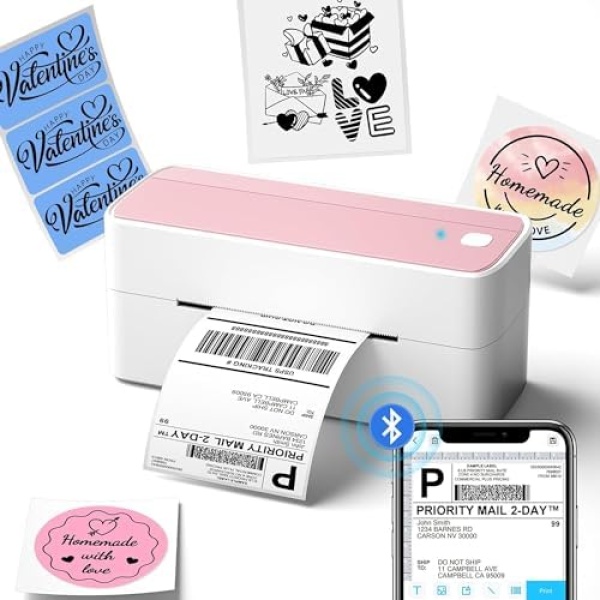
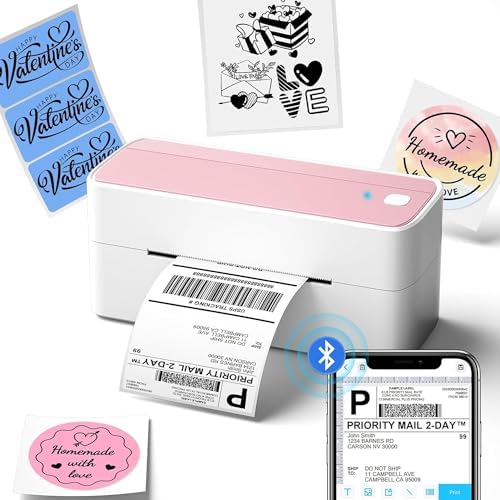
The pink printer is designed to meet the needs and personalities of modern women. The designer’s concept is to enable independent and self-reliant women to easily and freely handle various express delivery matters. Through carefully selected lavender color tones and simple, practical design elements, hopes to bring more convenience and practicality to the work and life of modern women, while also creating a better environment for them.
Phomemo Advantage
Phomemo is dedicated to vivifying everyone’s business pursuit with a focus on cost and efficiency. We work tirelessly to give you one of the best for your hard-earned dollar, carefully designing printers with time-saving convenience features and a wide variety of labels with superior quality materials that still keep your budget in mind. A high-quality product at a reasonable cost is what you get with Phomemo.
Phomemo Story
Phomemo is a young and innovative label and printer brand. We came up with innovative label solutions that can eliminate laser, inkjet, or toner to achieve smooth and easy printing
Current
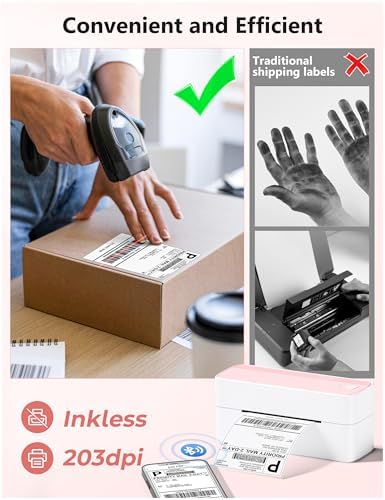
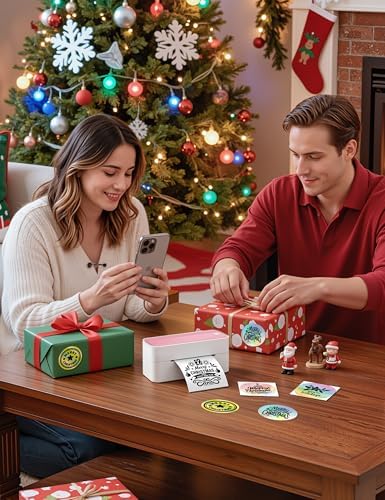
Phomemo ‘s advanced thermal printing technology eliminates the cost of ink or toner, the compact design of the printer makes it a simple and attractive addition to any modern workspace, and the abundant label paper makes your life more convenient and colorful.
Future
Phomemo is committed to providing innovative labeling solutions to business owners worldwide.
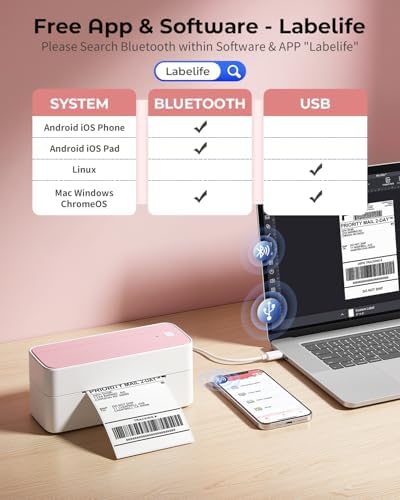
[Print Wirelessly] – Phomemo bluetooth shipping label printer supports wireless printing through bluetooth connection. For IOS and Android, need to download the “labelife ” APP from Apple Store or Google Play. For PC or Mac, need to download driver and connect bluetooth , and start designing—no software installation needed. With easy and simple operations, you can easily print your major documents, photos, and more, making your life more convenient!
[Print via USB Cable] – For PC, Windows, Mac OS, Chrome OS, and Linux systems. For Chrome OS, need to enter “Labelife” in the Chrome web store and add the extension to your Google Chrome. (PC printing needs to download the driver: labelife.net/pm241)
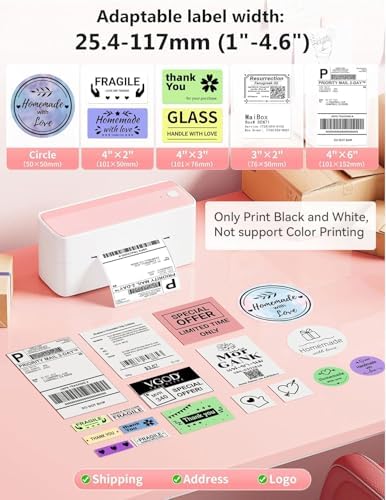
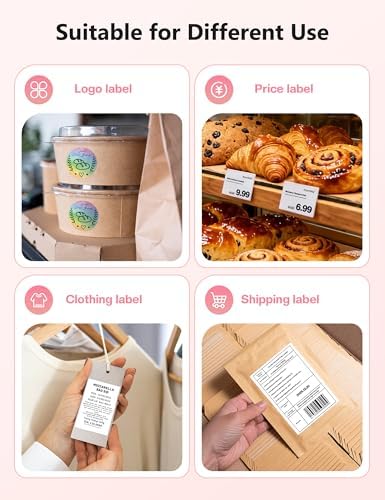
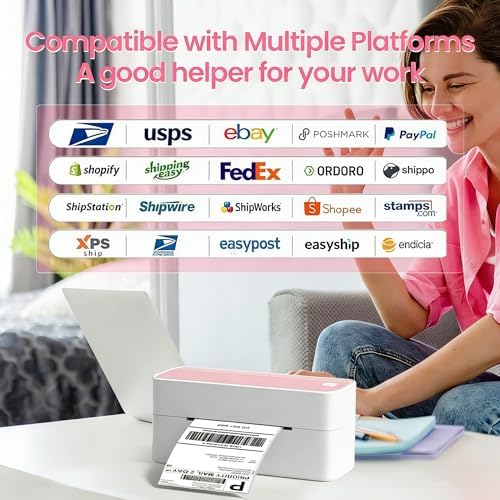
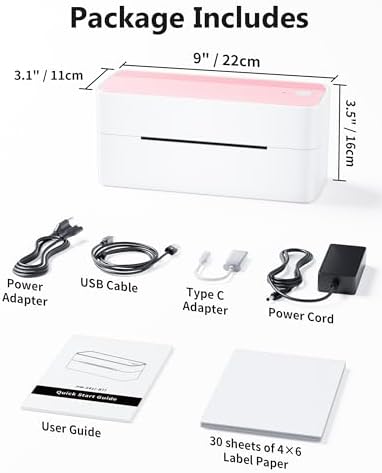
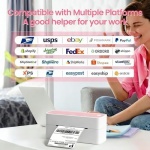
[Multi-Platform Compatibility] – This shipping label printer supports label widths from 1 to 4.6 inches, making it ideal for printing labels Compatible with eBay, Shopify, Amazon, Etsy, UPS, USPS, FedEx, and more. Easily print text, barcodes, QR codes, forms, and use pre-made templates for home or business. (To ensure optimal print performance, we recommend pairing your Phomemo label printer with genuine Phomemo thermal label paper for consistently crisp, long-lasting results) Note: The printer supports black-and-white printing only. For color labels, purchase compatible thermal color label paper separately.
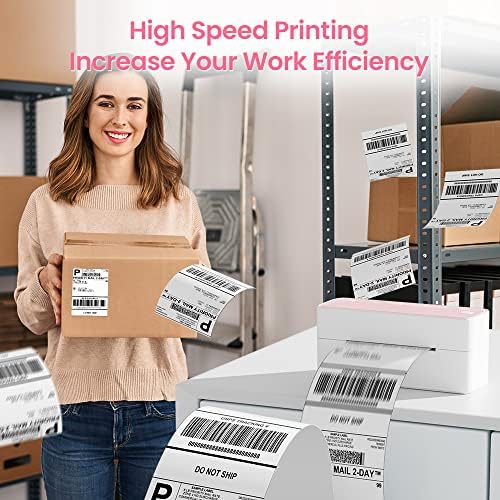
[Commercial and Home Use] -Phomemo label printer utilizes advanced thermal direct technology for printing, eliminating the need for expensive toner or ink. With a printing speed of 150 mm/s, the printer can produce up to 72 sheets of 4×6 labels per minute. For long-term savings, Phomemo thermal labels that are engineered to resist fading and smudging, ensuring your labels stay readable and professional .
[Professional Team] – Phomemo support team provides technical support, including live chat, phone calls, emails even remote desktop operation. If you have any questions or concerns about our Bluetooth shipping label printer, please don’t hesitate to let me konw. Phone Call: (9:00-17:00 Mon-Fri EST) Email/ Live Chat: (19:30-4:30 Mon-Fri EST)
Phone and Tablet Start Print – Step 1: Download the App ‘Labelife’. Step 2: Turn on the 241BT printer and your phone’s or tablet’s Bluetooth. Step 3: Click the ‘Printer’ icon in the App to search for the 241bt label printer, connect it via Bluetooth in the App, and select the paper size and file type to start printing
Laptop/PC Starts Printing – Step 1: Please check your laptop/PC’s operating system (OS) and download and install the correct 241bt driver from the website (labelife.net/pm241). Step 2: Use the USB data cable to connect the 241bt printer to your computer. Step 3: Select and open your document, and choose 241bt from the printer list


No account yet?
Create an Account