





-39%
Product description
Add to Cart
Add to Cart
Add to Cart
Add to Cart
Add to Cart
Add to Cart
Customer Reviews
4.3 out of 5 stars 5,597
4.8 out of 5 stars 1,923
4.6 out of 5 stars 203
4.6 out of 5 stars 176
4.5 out of 5 stars 110
4.6 out of 5 stars 203
4.6 out of 5 stars 203
Price
$66.49$66.49
$19.99$19.99
$13.99$13.99
$14.98$14.98
$10.99$10.99
$14.99$14.99
$11.99$11.99
Pack
1
500 Labels
1000 Labels
1
750 Labels
1000 Labels
1000 Labels
Color
Black
White
White
Black
White
White
White
Advantage
Bluetooth, High Efficiency
Using as Shipping Labels
Using as Barcode Labels
For Rolls and Fan-Fold Labels
Using as Barcode Labels
Using as Barcode Labels
Using as Barcode Labels
Support
Bluetooth & USB Connection
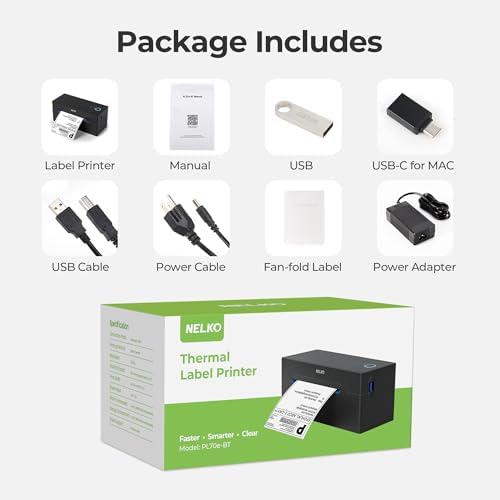
Nelko PL70E Label Printers
Nelko PL70E Label Printers
Nelko PL70E Label Printers
Nelko PL70E Label Printers
Nelko PL70E Label Printers
Nelko PL70E Label Printers
Hight Quality
√
√
√
√
√
√
√
The video showcases the product in use.The video guides you through product setup.The video compares multiple products.The video shows the product being unpacked. NELKO PL70E Bluetooth Thermal Label Printer


Two Printing Methods for Desktop Label Printer 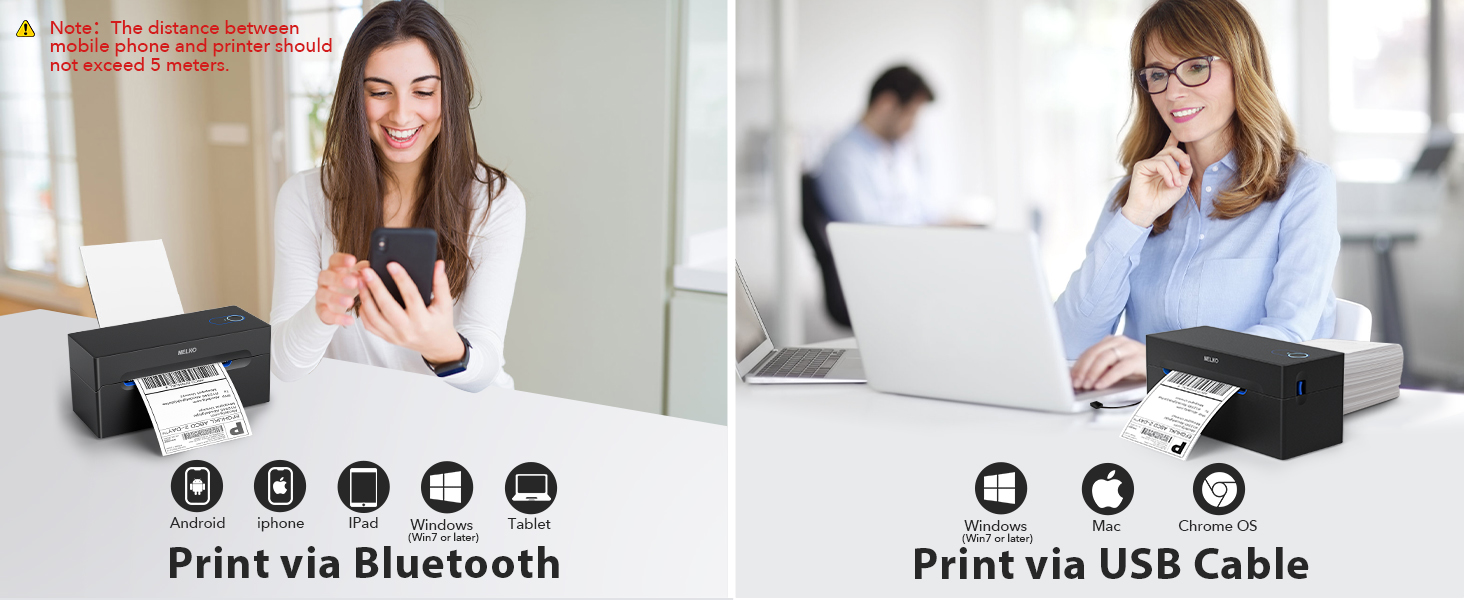

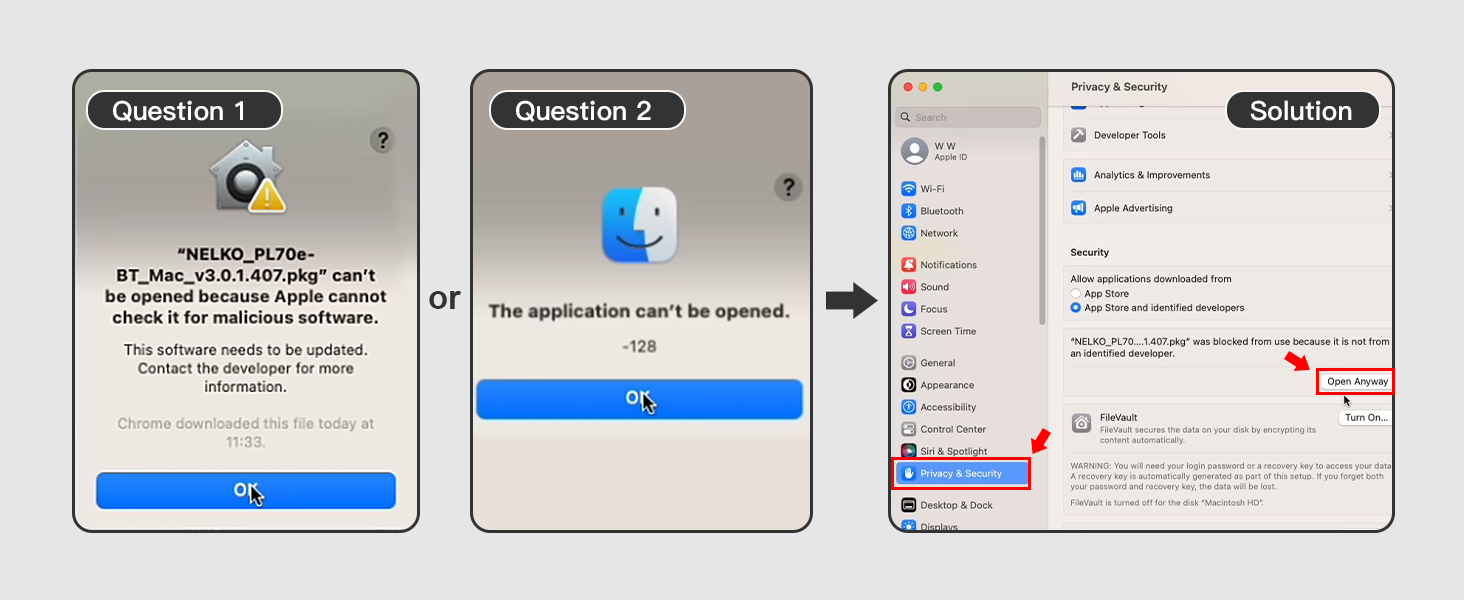
1 For Phone
2 For Mac
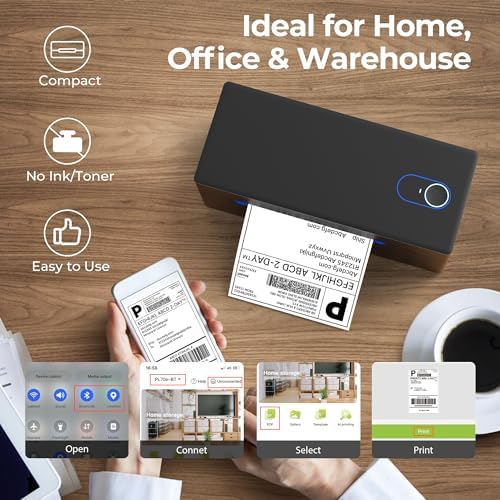
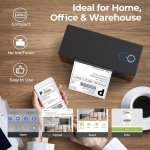
How to use PL70E Bluetooth Shipping Desktop Label Printer via Phone?
Step 1: Scan to install “NELKO” APP
Step 2: Allow APP access and open “Bluetooth”, “Location”
Step 3: Tap “Not connected” and connect printer
Step 4: Tap “File”
Step 5: Select file
Step 6: Tap “More settings” to adjust density
Step 7: Tap print icon to print
Notes: If received files from other app, open with “NELKO” app.
Q: Why printer keeps feeding paper and prints nothing/ shows chinese character above?A: This may be caused by setting up not correctly on Windows. Try uninstall and reinstall the driver, then long press the feed button untill it beeps once (approximately 3 seconds) to calibrate the paper, the try print again.
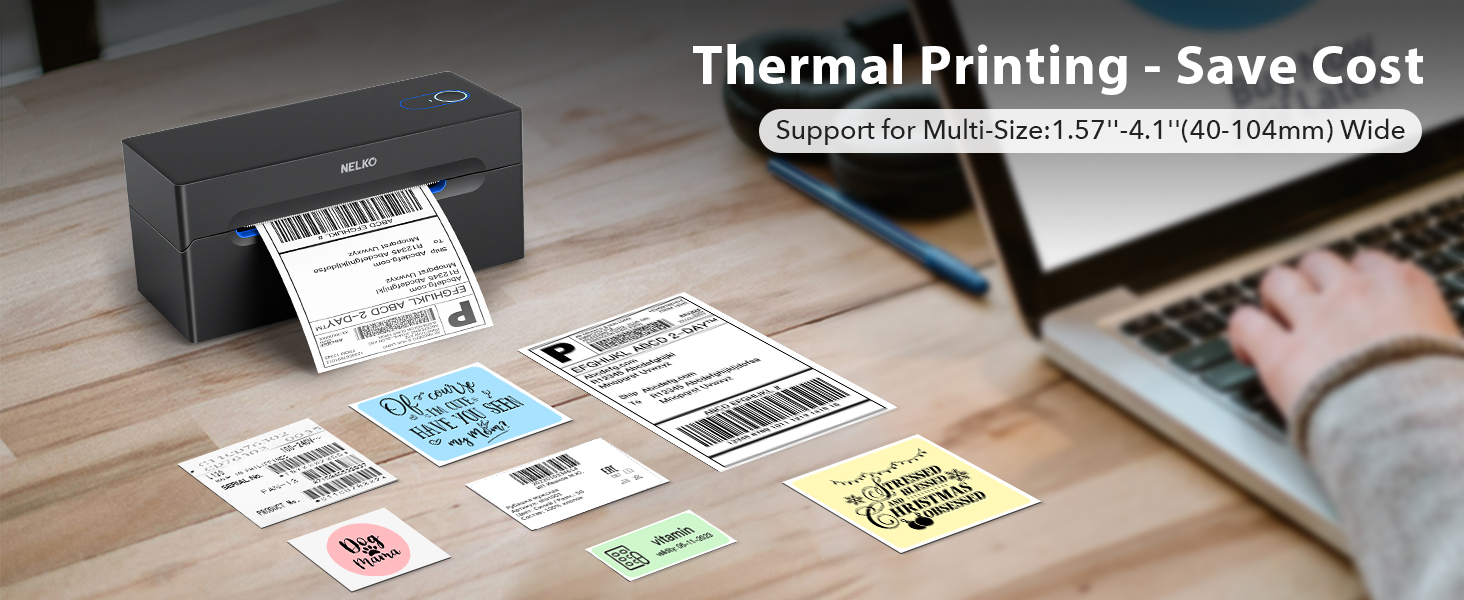 Nelko Desktop label printer
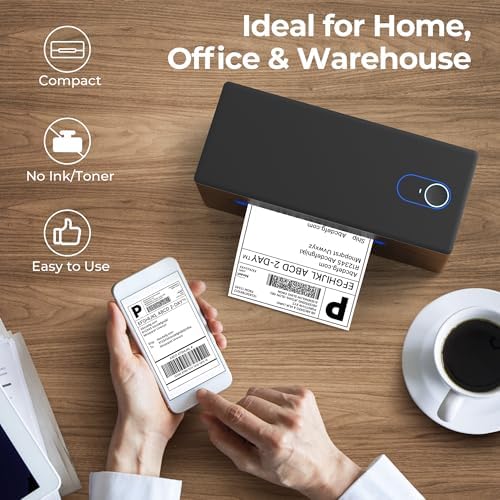
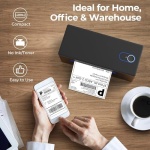
Portable, efficient, and low-cost
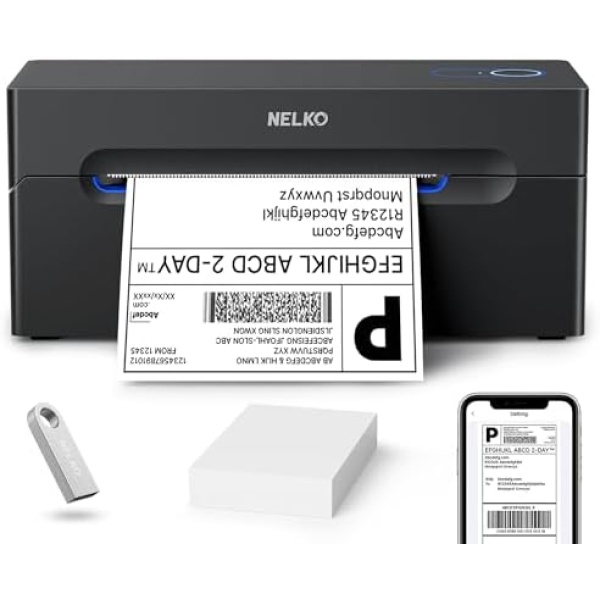
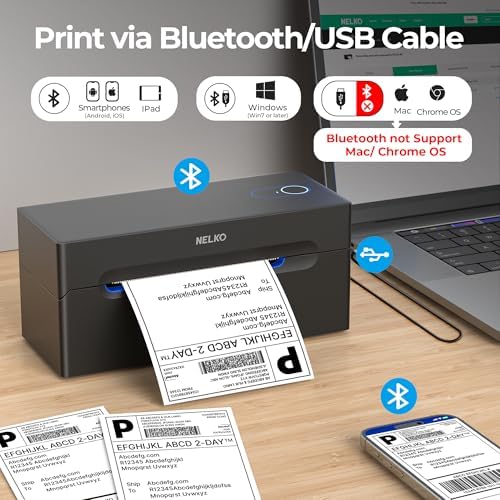
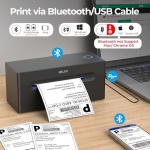
Go Wireless by Bluetooth: Download the “NELKO”app to print via Bluetooth on your Nelko Bluetooth thermal label printer for iOS and Android. Printing shipping labels has never been easier. Windows 7 or later computers can also print via Bluetooth. For Mac users with M1 or M2 CPUs, install the app and connect to the printer via Bluetooth. Note: All devices cannot be directly connected to Bluetooth and need to be used through the app
Print via USB: For Windows (7 and later), Mac OS,Chrome OS, you can connect the desktop label printer via USB cable. Note that Mac OS only works with USB connection, you can not print via Bluetooth
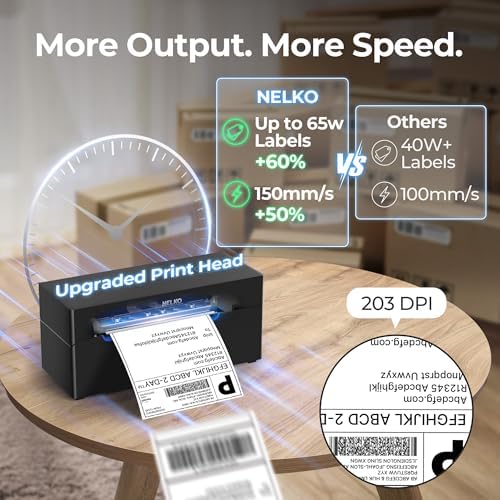
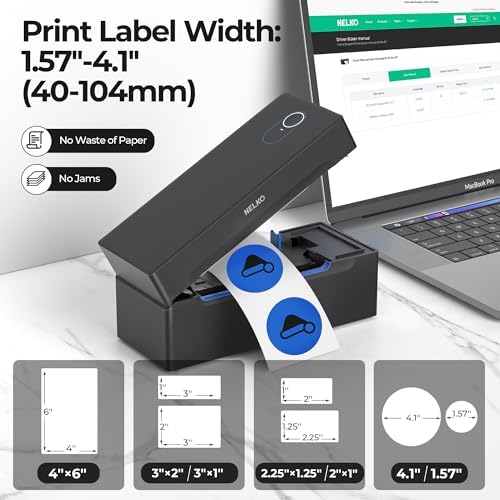
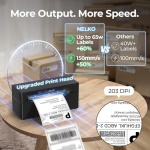
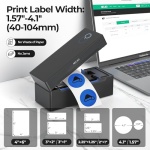
Good Helper for Cost Saving: Advanced thermal direct technology is adopted to achieve the printing speed of 150 mm/s, up to 72 sheets 4×6 labels/min. High speed brings high efficiency and helps your business grow faster! 203 DPI makes printing clearer. No ink, no toner, only thermal labels needed. Both fanfold labels and roll labels could be used. Label size: labels width ranges from 1.54″ to 4.1″(40-104 mm), such as 4×6, 3×2, 3×1, 2×1 thermal labels and so on
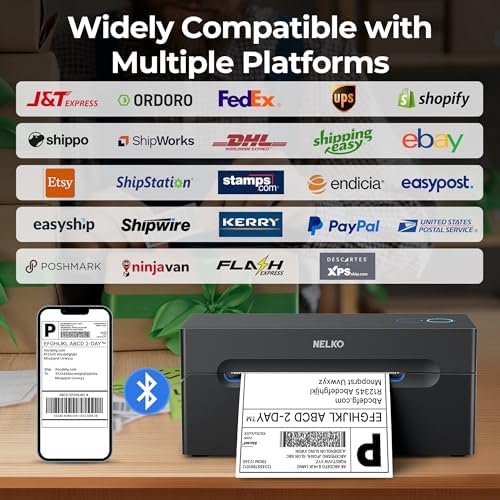
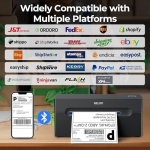
Strong Platform Compatibility: This bluetooth shipping label printer can work with virtually all platforms, including Amazon, Ebay, Shopify, USPS, UPS, Esty, PayPal, Poshmark,etc.(Note: Please remember to save the logistics label as a PDF on the logistics platform, then upload it to the editor APP “NELKO” or “Shipping Printer Pro” for printing
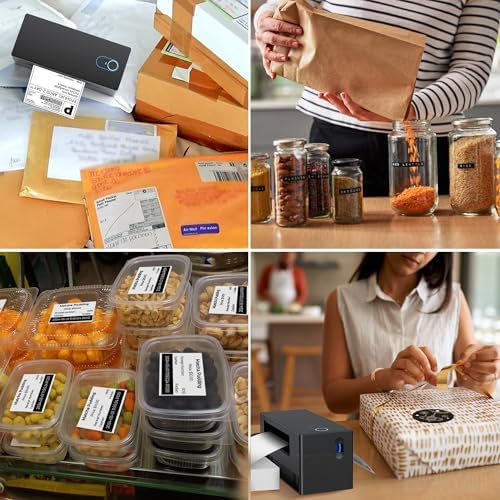
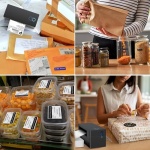
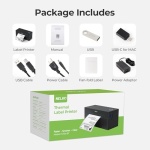
Suitable for Commercial and Home Use: Printer driver, instruction videos and problem shooting videos are provided in U-Disk for better setting. Nelko PL70E label printer is much smaller than traditional printers and only requires a small piece of space to achieve printing. Very suitable for printing shipping labels, mailing labels, price labels, barcode labels, name tags and all kinds of small category labels
The machine enables continuous printing. You just need to input the required printing quantity prior to starting print jobs.

No account yet?
Create an Account